
Aspect Ratios for Social Video, Explained
Aspect ratio is the shape of your video frame — its width relative to its height. Picking the wrong one gets you black bars or a cropped subject; picking the right one fills the screen. Here's what each ratio is for, and how to convert between them cleanly.
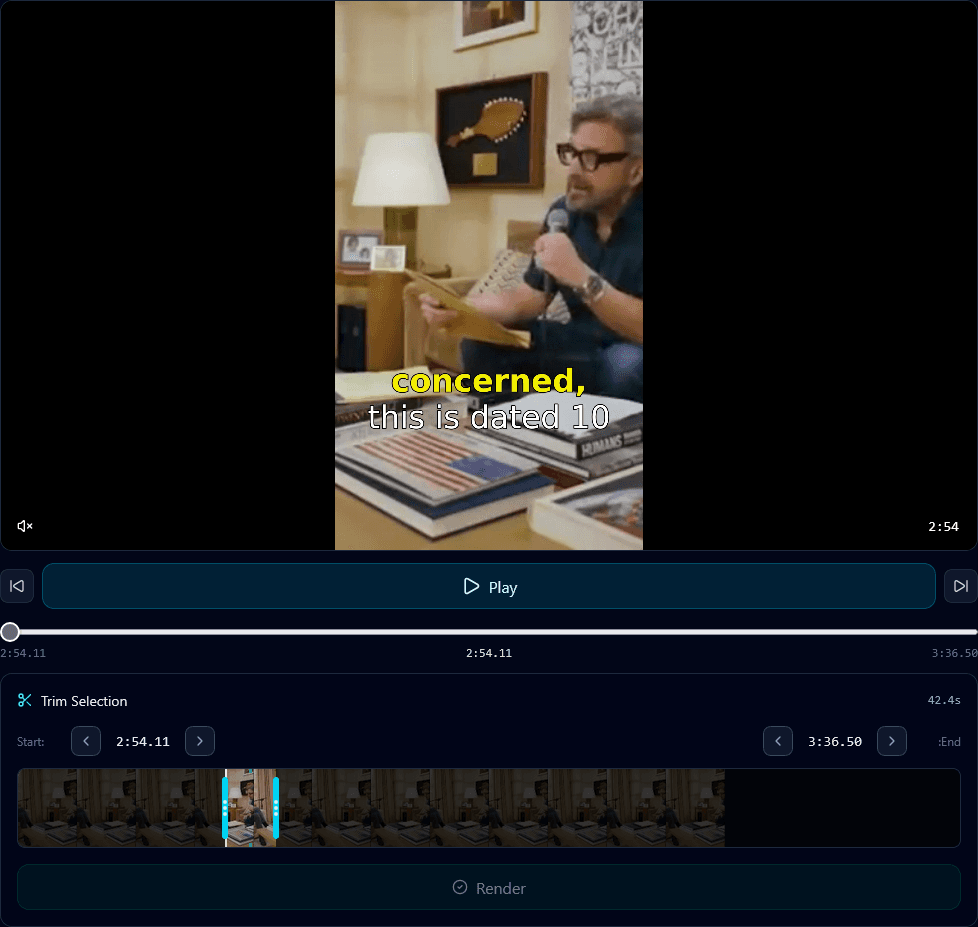
There are only three ratios you actually need to know, and each maps to how people hold their phone and where the video appears.
9:16 — vertical (TikTok, Reels, Shorts)
Tall and full-screen. This is the default for all short-form feeds because phones are held upright. If you're posting to TikTok, Instagram Reels, or YouTube Shorts, you want 9:16 — anything else leaves empty space or gets letterboxed. Getting here from a 16:9 source is the vertical conversion most creators need.
1:1 — square (feed posts)
A perfect square. It was the classic Instagram feed format and still works well for in-feed video that isn't a Reel, since it takes up more vertical space than 16:9 without going full-screen. A safe middle ground for multi-platform feed posts.
16:9 — widescreen (YouTube, desktop)
Wide and cinematic — the standard for long-form YouTube, TVs, and desktop viewing. It's how most source footage is shot, which is exactly why the work is usually converting *from* 16:9 *to* 9:16.
The hard part: converting without wrecking the shot
Going from wide 16:9 to tall 9:16 means discarding most of the horizontal frame. Do it with a fixed center crop and you'll cut a moving subject out of frame constantly. The fix is a crop that tracks the subject — it keeps the important part of the frame no matter where it moves. That's what makes a converted clip look shot-for-vertical instead of hacked down.
Quick reference
- TikTok / Reels / Shorts → 9:16
- Instagram feed / multi-platform → 1:1 (or 4:5)
- YouTube long-form / desktop → 16:9
- Converting 16:9 → 9:16 → use subject-tracking, not a center crop
Aspect ratio is simple once you match it to the platform. The only real skill is the conversion — and that's a solved problem when the crop follows the subject. See how to convert horizontal to vertical for the step-by-step.
Frequently Asked Questions
What aspect ratio should I use for TikTok, Reels, and Shorts?
9:16 (vertical). It fills the phone screen on all three short-form platforms. Any other ratio leaves black bars or gets cropped.
What's the difference between 9:16 and 16:9?
9:16 is tall/vertical for phone-first short-form feeds; 16:9 is wide/widescreen for YouTube and desktop. Most editing work is converting 16:9 source footage to 9:16.
How do I convert 16:9 to 9:16 without cutting people off?
Use a subject-tracking crop instead of a fixed center crop. Klypse follows the subject through the frame so nobody gets cut out during the conversion.
Turn your long videos into viral shorts
Klypse finds the best moments, tracks faces, and captions every clip automatically. Start free — no credit card required.
Related reading
More from the blog
What Is Face Tracking in Video Editing?
Face tracking keeps a subject framed as they move and as you crop to vertical. Here's what it is, how it works, and why it matters for short-form clips.
How to Turn One Video Into 20 Shorts
One long video can become 20 short clips if you know how to mine it. Here's the exact process for turning a single recording into weeks of short-form content.
What's the Best AI for Clipping Podcasts?
Not all AI clipping tools handle podcasts well. Here's what actually matters for podcast clips — multi-speaker framing, accurate captions, natural cuts — and how to choose.