
How to Convert Horizontal Video to Vertical
Social media demands vertical video. Here's how to convert your landscape footage to 9:16 format without losing what matters.
Understanding the Conversion
16:9 Horizontal
9:16 Vertical
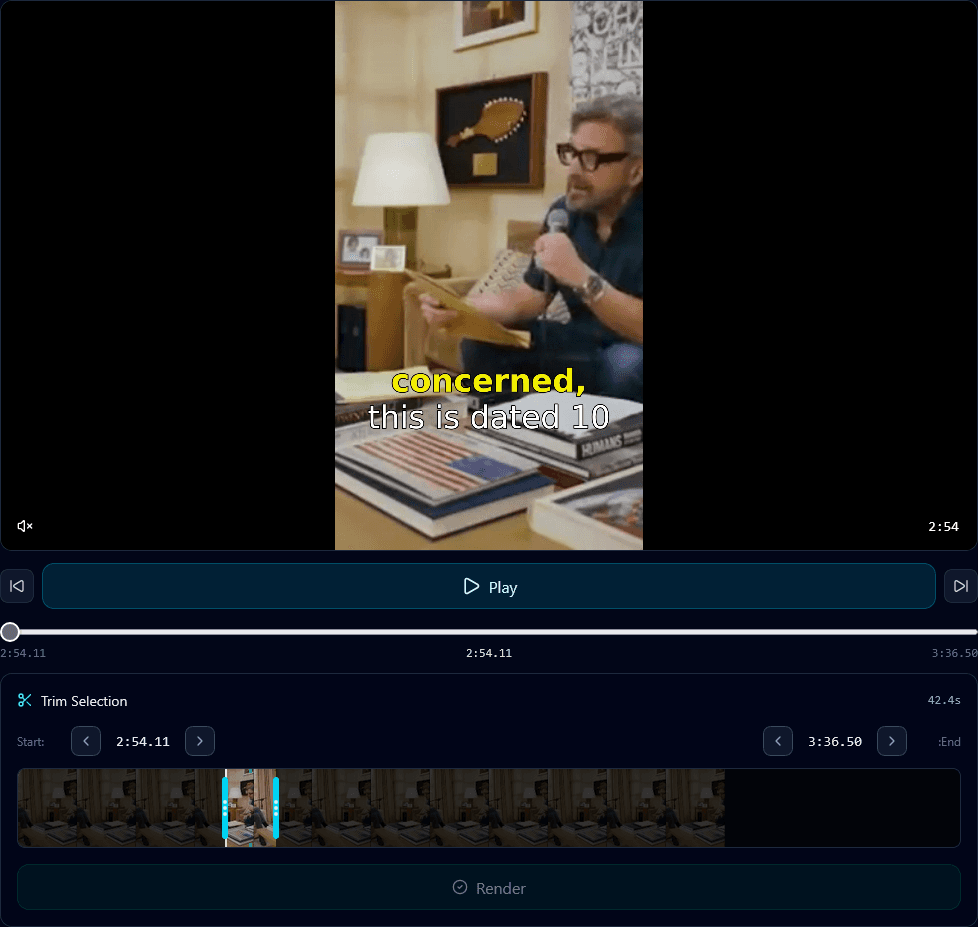
Converting from 16:9 to 9:16 means choosing which 56% of the frame to keep.
Conversion Methods
Static Center Crop
Crop to center of frame. Simple but problematic – subjects often move out of frame.
Manual Keyframing
Manually adjust crop position throughout video. Accurate but extremely time-consuming.
AI Auto-Reframe
AI tracks faces, action, and important content. Automatically adjusts crop position frame-by-frame.
AI Auto-Reframe with Klypse
Upload Horizontal Video
Any 16:9 or widescreen video. Klypse analyzes the content automatically.
AI Detects Subjects
Face tracking identifies speakers. Action detection tracks movement and important elements.
Dynamic Reframing
Crop position adjusts smoothly throughout video. Speakers stay centered even when moving.
Export Vertical
Download perfect 9:16 video ready for TikTok, Reels, Shorts, or any vertical platform.
Tips for Best Results
Film With Conversion in Mind
Keep subjects centered in frame. Leave headroom. Avoid important action at frame edges.
Check Text Positioning
Titles, lower thirds, and graphics may need repositioning for vertical crop.
Preview Before Export
Always preview the vertical version. Adjust framing for any awkward cuts.
Consider Multi-Speaker
For podcasts/interviews, use split-screen or speaker switching to show both people.