
How to Resize a Landscape Video for TikTok, Reels & Shorts
Almost all long-form video is shot in 16:9. Almost all short-form video is watched in 9:16. Bridging that gap badly — a fixed center crop — is the fastest way to cut a speaker's head off. Here's how to convert landscape to vertical so the subject always stays in frame.
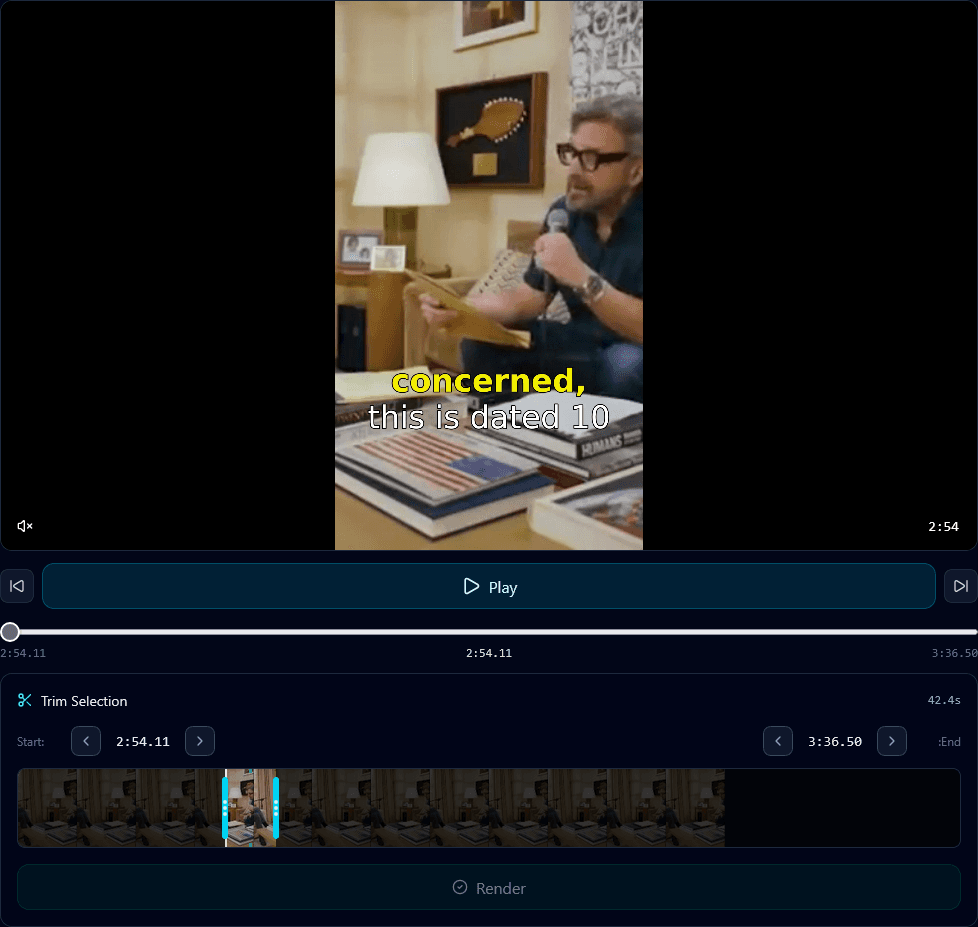
The core problem: 9:16 is far narrower than 16:9, so you have to throw away most of the horizontal frame. Where you keep matters. If the interesting thing moves — a speaker pacing, two people talking — a static crop will miss it half the time.
The three ways to resize (and when to use each)
1. Fixed center crop
Fast but dumb. Fine only if your subject is dead-center and never moves. For anything with motion, it fails.
2. Blurred bars (fit, don't crop)
Shrinks the whole 16:9 frame into the middle with blurred fill above and below. Nothing is cut, but the subject is tiny — weak for talking-head content, occasionally right for gameplay or screen demos.
3. Face-tracked dynamic crop
The 9:16 window follows the subject. When the speaker moves, the crop moves with them — smoothly, like a camera operator, not a jittery per-frame jump. This is what Klypse's face tracking does, and it's why clips look intentionally framed rather than mechanically cut. Read smart cropping explained for the detail.
How to resize automatically
- Upload your landscape video to the vertical video converter.
- Klypse detects the subject(s) and tracks them frame to frame.
- The 9:16 crop follows the active subject, with stabilization to prevent jitter.
- Captions are added inside the safe zone and you export at full quality.
What about multiple people?
For interviews and panels, a single crop can't hold everyone. Klypse can switch to a split layout or follow whoever is speaking, using speaker tracking so the frame is always on the person talking. That's the difference between a clip that feels edited and one that feels cropped.
Bottom line: resizing is not just changing a number in an export dialog. The question is *what stays in the frame*, and the only answer that works across real footage is a crop that tracks the subject. Everything else is a compromise you'll see in your retention numbers.
Frequently Asked Questions
How do I convert a 16:9 video to 9:16 without cutting people off?
Use a face-tracked dynamic crop instead of a fixed center crop. Klypse detects the subject and moves the vertical crop window to follow them, so nobody gets cut out of frame.
Should I use blurred bars or crop?
Crop with face tracking for talking-head content — it keeps the subject large and centered. Blurred bars only make sense for gameplay or screen recordings where you can't afford to lose any of the frame.
What happens with two or more people on screen?
Klypse can use a split-screen layout or follow the active speaker, so the frame is always on whoever is talking rather than stuck on an empty center crop.
Turn your long videos into viral shorts
Klypse finds the best moments, tracks faces, and captions every clip automatically. Start free — no credit card required.
Related reading
More from the blog
Short-Form Video for Real Estate Agents
Real estate is a face-to-face business, and short-form video is the cheapest way to be in front of more faces. Here's how agents can produce clips at scale.
How Fitness Coaches Can Turn Workouts Into Viral Clips
Fitness is one of the most-watched categories on short-form video. Here's how coaches and trainers can turn sessions and talks into a steady clip pipeline.
Turn Online Course Content Into Shorts
Course creators sit on hours of premium teaching footage. Here's how to repurpose lessons into free short-form clips that market the course itself.