
How to Turn a Podcast Into Instagram Reels
Instagram Reels is one of the best places to grow a podcast, because it puts your best moments in front of people who've never heard your show. Here's how to turn episodes into Reels that actually convert scrollers into listeners, using a podcast-to-shorts workflow.
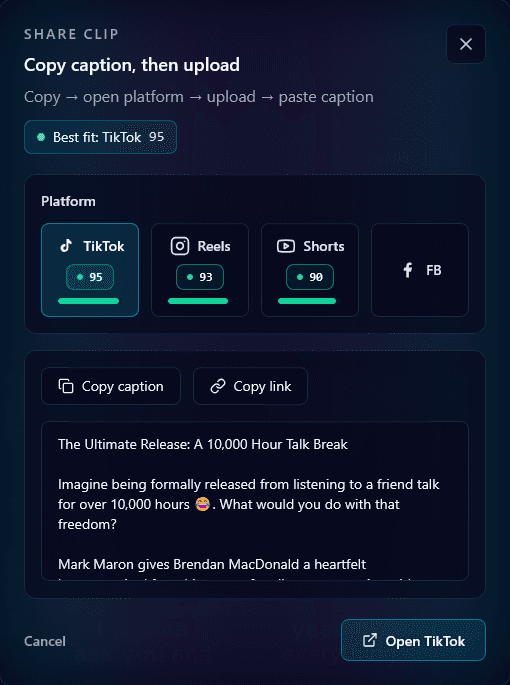
Podcasts and Reels are a natural fit: a podcast is hours of quotable moments, and Reels rewards short, punchy clips. The trick is picking the right moments and formatting them for a silent, vertical feed — which is exactly where automation helps.
Step 1: Pick clip-worthy moments
The best podcast Reels are self-contained: a hot take, a surprising story, a piece of advice that stands alone. Upload your episode and let AI surface the strongest moments by hook strength rather than scrubbing the whole thing.
Step 2: Reframe for two speakers
Most podcasts are two people on a wide recording. A center crop cuts a guest out; you want speaker tracking that follows the talker, or a split layout so both stay visible. This is the single biggest quality factor for podcast Reels.
Step 3: Caption everything
Reels are watched on mute in the feed, so captions aren't optional — they carry the whole clip. Accurate, safe-zone-placed captions keep the quote landing without sound and keep viewers watching longer.
Step 4: Post natively and link the episode
Upload the clean vertical clip directly to Reels (avoid a TikTok watermark — Instagram suppresses those). Point people to the full episode in your bio or a pinned comment. Each Reel becomes a doorway into your back catalog.
Make it a system
One episode yields 8–12 Reels — weeks of content from a recording you already made. Batch the clips and schedule them so a single episode fuels a steady posting cadence. The same clips work on TikTok and Shorts too; see Reels vs TikTok for where to focus.
Reels won't replace your podcast — they feed it, turning silent scrollers into subscribers one 30-second quote at a time.
Frequently Asked Questions
How do I turn my podcast into Instagram Reels?
Upload the episode to a podcast clipping tool, let it surface the strongest moments, reframe them to vertical with speaker tracking, and caption them. One episode typically yields 8–12 Reels ready to post.
Do podcast Reels need captions?
Yes — Reels are watched on mute in the feed, so captions carry the clip. Accurate, safe-zone-placed captions keep the quote landing without sound and improve retention.
How do I handle two speakers in a podcast Reel?
Use speaker tracking that follows the active talker, or a split-screen layout so both guests stay visible. A static center crop would cut a guest out of frame.
Turn your long videos into viral shorts
Klypse finds the best moments, tracks faces, and captions every clip automatically. Start free — no credit card required.
Related reading
More from the blog
Short-Form Video Trends in 2026: What's Working Now
Stay ahead of the curve with the latest trends in short-form video content. From AI editing to interactive formats, here's what's trending.
TikTok vs Instagram Reels vs YouTube Shorts: Which Platform is Right for You?
A comprehensive comparison of the three major short-form video platforms. Learn the differences in audience, algorithm, and content strategy.
Smart Face Tracking and Cropping: Creating Perfect Vertical Videos
How AI-powered face tracking ensures your subjects stay perfectly framed when converting landscape videos to vertical format.