
The Best Riverside Alternative
Riverside is primarily a remote-recording studio that added clipping features. If your recording is already done and clips are the goal, a clip-first tool often does that job better. Here's how to evaluate a Riverside alternative for podcast clips.
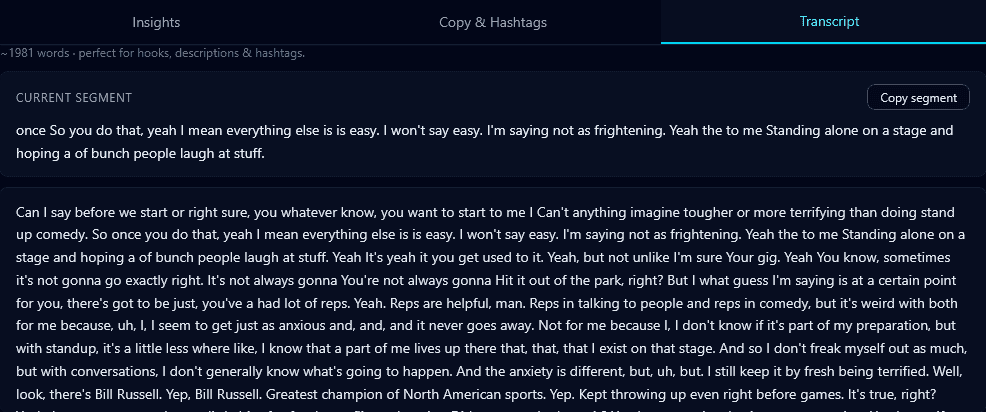
The distinction matters: Riverside's core strength is *capturing* high-quality remote recordings. Clipping is a secondary feature. If you already have your recording — from Riverside, Zoom, or anywhere — a dedicated clipping tool is usually stronger at turning it into short-form.
Recording tool vs clipping tool
You can happily record in Riverside (or anything else) and clip elsewhere. The two jobs are separate, and the best clipping doesn't require the same tool that did the recording. Export your recording and run it through a podcast-to-shorts workflow.
What a clip-first tool should nail
- Multi-speaker framing — follow the active speaker or split the frame for two guests.
- Hook-scored selection — surface the strongest moments, ranked best-first.
- Transcript-accurate captions — guest names and terms spelled right.
- Sentence-aware cuts — never start or end mid-word.
Where Klypse fits
Klypse is a clip-first tool built for exactly this: take a finished podcast recording and return ranked, reframed, captioned vertical clips — with real multi-speaker handling. Pair it with whatever you record on. It's designed for podcasters who want clips without wrestling a studio app's editor.
How to decide
If you need recording *and* clipping in one place and don't mind the clipping being secondary, an all-in-one studio works. If clips are the priority, record wherever you like and use a clip-first tool. Test it on a real two-speaker episode.
The best Riverside alternative for clips is a tool built specifically to turn finished recordings into strong short-form — which is what Klypse does. Compare options in best podcast clippers.
Frequently Asked Questions
What's a good Riverside alternative for making clips?
Riverside is primarily a recording studio; if clips are your priority, a clip-first tool like Klypse turns a finished recording into ranked, reframed, captioned vertical clips with real multi-speaker handling. You can record anywhere and clip separately.
Do I have to record and clip in the same tool?
No. Recording and clipping are separate jobs. Record in Riverside, Zoom, or anything else, then export and run the file through a dedicated clipping tool for better short-form output.
Does Klypse handle two-speaker podcasts?
Yes — it follows the active speaker or uses a split-screen layout so both guests stay visible, which is essential for podcast clips.
Turn your long videos into viral shorts
Klypse finds the best moments, tracks faces, and captions every clip automatically. Start free — no credit card required.
Related reading
More from the blog
How Long Should a Short Be? (TikTok, Reels & Shorts)
The ideal length for TikToks, Reels, and YouTube Shorts isn't one number. Here's how to think about clip length for retention and reach on each platform.
What Is a Jump Cut (and When to Use One)?
A jump cut removes pauses and filler to keep a talking-head video tight. Here's what jump cuts are, why they dominate short-form, and how to make them automatically.
How to Turn a Podcast Into Instagram Reels
Instagram Reels is a powerful discovery channel for podcasts. Here's how to turn podcast episodes into Reels that grow your audience — captions, framing, and all.