
AI Subtitle Generator – Subtitles in Any Language
Generate accurate subtitles for any video automatically. Klypse's AI transcribes your audio, syncs timing perfectly, and exports subtitles in SRT format or burned directly into your video.
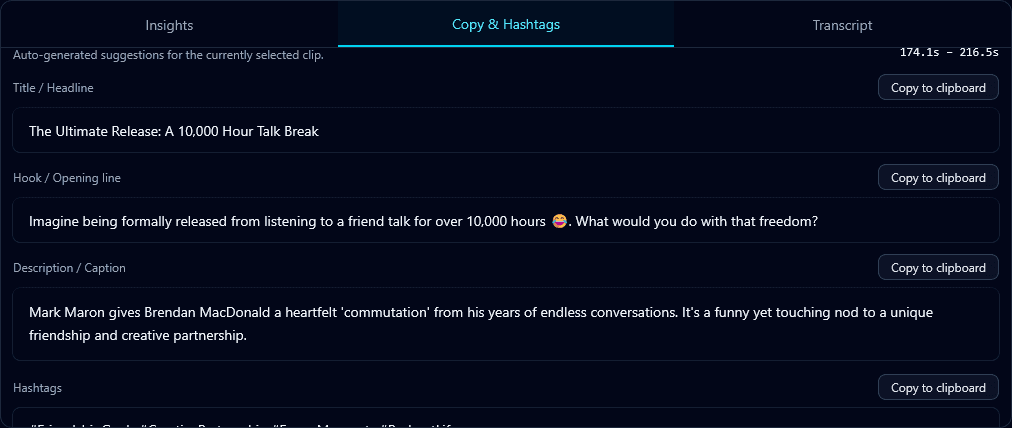
How AI Subtitle Generation Works
Upload Your Video
Drop any video file. Klypse auto-detects the spoken language.
AI Transcribes & Syncs
Speech is converted to text and precisely timed to your video.
Export & Use
Download as SRT file or export video with subtitles burned in.
Why Use AI Subtitles?
🌍Reach Global Audiences
Subtitles make your content accessible to non-native speakers worldwide.
📈Better Engagement
Videos with subtitles see higher completion rates and longer watch times.
🔇Sound-Off Viewing
85% of social videos are watched muted. Subtitles ensure your message lands.
♿Accessibility Compliance
Meet accessibility standards for deaf and hard-of-hearing viewers.
Subtitle Generator Features
Auto Language Detection
AI identifies spoken language automatically
Perfect Timing
Subtitles synced to speech precisely
SRT Export
Standard format for all platforms
Burned-In Option
Subtitles rendered into video
Style Customization
Fonts, colors, and positioning
Edit Before Export
Review and correct any errors
AI Subtitle Generator FAQ
What's the difference between subtitles and captions?
Subtitles typically translate spoken dialogue for foreign audiences, while captions transcribe all audio including sound effects for accessibility. Klypse creates both – you can customize based on your needs.
How accurate is AI subtitle generation?
Klypse achieves 95-99% accuracy for clear speech. The AI handles multiple accents and speaking styles. You can review and edit subtitles before export.
Can I export subtitles as SRT files?
Yes. Export subtitles as SRT, VTT, or burned directly into the video. SRT files can be uploaded to YouTube, Vimeo, and other platforms that support external subtitles.
What languages are supported?
Klypse supports English, German, Spanish, French, and many other languages. The AI automatically detects the spoken language or you can specify it manually.
Can I customize subtitle appearance?
Absolutely. Customize font, size, color, background, position, and animation style. For burned-in subtitles, your styling is rendered directly onto the video.
Related Tools
Generate Subtitles with AI
Upload your video and get accurate subtitles automatically. Free trial available.