
Why Auto Captions Are Essential for Social Media Video Success
Here's a statistic that should change how you think about video: 85% of videos on Facebook are watched without sound. The numbers are similar across other social platforms. If your videos don't have captions, you're invisible to most of your potential audience. Any good AI video editor includes auto-captioning for exactly this reason.
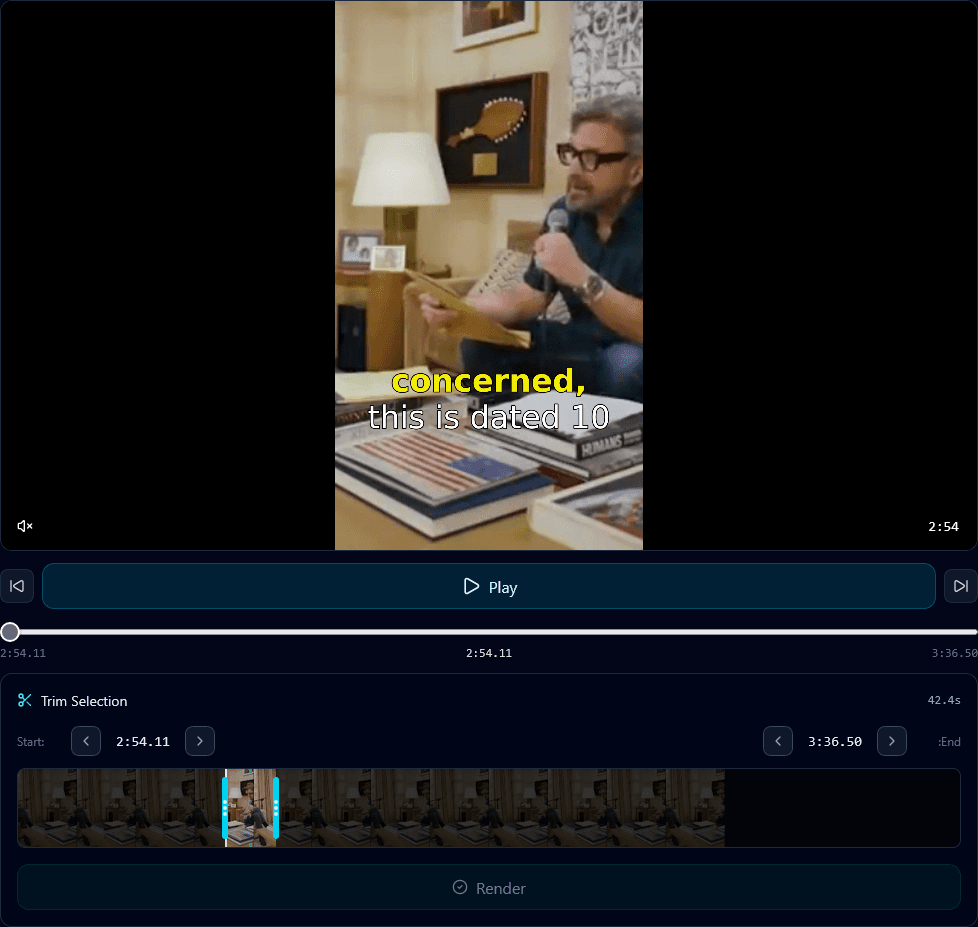
The Sound-Off Reality
Think about how you scroll through social media. On the train. In bed. At work. In waiting rooms. In most of these contexts, playing audio out loud isn't appropriate or possible. Even at home, many people browse with the TV on in the background.
The result? Most social media viewing happens on mute by default. Users might turn on sound for content that's already captured their interest, but by then, you've already lost most potential viewers.
The numbers tell the story:
- • 85% of Facebook videos are watched without sound
- • 80% of LinkedIn videos are watched on mute
- • 69% of users watch videos in public places with sound off
- • Videos with captions are watched 12% longer on average
5 Reasons Captions Are Non-Negotiable
1. Reach: You're Missing 85% of Viewers
Without captions, your video is essentially invisible to the vast majority of scrollers. They see visuals, but without audio or text, there's no hook to stop them. Captions give your content a fighting chance in the silent scroll.
2. Accessibility: Reach Everyone
Over 5% of the world's population has disabling hearing loss. That's 430 million people. Captions ensure your content is accessible to deaf and hard-of-hearing audiences. Beyond ethics, this is a significant audience you're excluding without captions.
3. Comprehension: Improve Understanding
Even with sound on, captions improve comprehension. They help with accents, fast speakers, background noise, and technical terminology. Viewers retain information better when they can both hear and read it.
4. Engagement: Boost Watch Time
Studies show that captioned videos are watched 12% longer on average. Captions keep viewers engaged by giving them something to follow even in distracting environments. More watch time means better algorithm performance.
5. SEO: Searchable Content
Search engines can't watch video, but they can read captions. Transcribed content becomes searchable, improving your discoverability on platforms like YouTube and potentially in Google search results.
Caption Best Practices
Not all captions are created equal. Here's how to make yours effective:
Use readable fonts
Bold, sans-serif fonts work best. Avoid thin or decorative fonts that are hard to read at small sizes. White text with a dark outline or background ensures readability against any video content.
Position carefully
Keep captions within the "safe zone" – away from platform UI elements like comment sections, like buttons, and profile icons. Center or lower-third positioning typically works best.
Keep lines short
2-3 words per line maximum. Long captions are hard to read quickly and can overwhelm the visual. Match caption timing to natural speech rhythms.
Sync accurately
Captions should appear exactly when words are spoken. Poorly timed captions are distracting and reduce the professional feel of your content.
Style for your brand
Captions can become part of your visual identity. Consistent colors, fonts, and animation styles help establish brand recognition across your content.
Highlight keywords
Consider emphasizing important words with color, size, or animation. This draws attention to key points and adds visual interest.
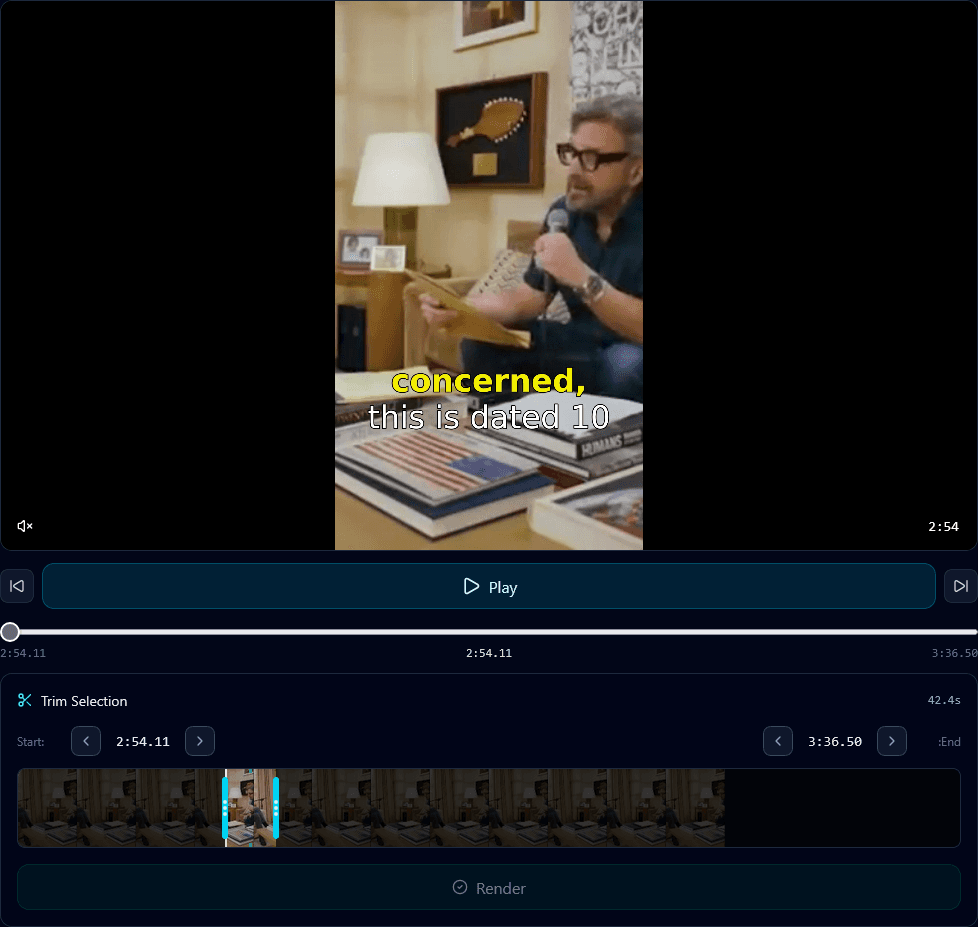
Klypse automatically generates and styles captions for every clip
Manual vs. Auto Captions
You have two options for adding captions: do it manually, or use AI auto-captioning. Here's the comparison:
Manual Captioning
+ 100% accuracy
+ Full control over style
- Extremely time-consuming
- Doesn't scale
- Tedious, error-prone work
AI Auto-Captioning
+ Fast – minutes vs. hours
+ Scales infinitely
+ Cost-effective
~ 95-99% accuracy (depends on tool)
~ May need minor corrections
For most creators, AI auto-captioning is the clear choice. The accuracy of modern transcription AI is remarkably high, and a quick review to catch any errors takes a fraction of the time manual captioning would require.
Auto-Caption Tools to Consider
Klypse
Automatically generates captions as part of the clip creation process. Captions are styled, synced, and burned into your vertical clips. No extra steps required – every clip comes caption-ready.
Native Platform Tools
TikTok, Instagram, and YouTube all offer auto-caption features. Convenience is the upside, but accuracy can vary and styling options are limited.
CapCut
Free mobile app with decent auto-captioning. Good for manual touch-ups and styling. Popular choice for TikTok creators doing final edits.
Captions: The Minimum Viable Effort
Adding captions to your videos isn't a nice-to-have – it's table stakes. Without them, you're leaving the majority of potential viewers behind. The effort required with modern AI tools is minimal; the impact on reach and engagement is significant.
Every video you publish from now on should have captions. Full stop. Whether you create shorts from videos or produce original clips, captions are one of the highest-ROI improvements you can make to your content strategy.
Auto-Captions, Automatically
Klypse generates styled, synced captions for every clip automatically. No extra work, no extra tools.