
Content Repurposing Strategy for Creators: Work Smarter, Not Harder
The most successful creators don't create more content – they extract more value from the content they create. With an AI video editor, you can build a repurposing system that keeps you visible everywhere without burning out.
The Creator's Dilemma
Every creator faces the same impossible math: platforms demand daily content, audiences scatter across a dozen channels, and there are only 24 hours in a day. Something has to give – usually either quality, consistency, or your sanity.
But there's another way. The creators winning in 2026 aren't superhuman producers. They're strategic multipliers. They create once and distribute many times, adapting a single piece of content across platforms to maintain presence without multiplication of effort.
This isn't laziness – it's leverage. And it's how you build a sustainable content business without burning out.
The Pillar Content Model
The foundation of any good repurposing strategy is "pillar content" – longer, more substantial pieces that serve as source material for everything else.
Common pillar content formats:
- • Long-form YouTube videos (10-30 minutes)
- • Podcast episodes (30-60 minutes)
- • Live streams (any length)
- • Webinars or workshops
- • In-depth blog posts (2,000+ words)
The key: invest heavily in your pillar content. Make it valuable, thorough, and evergreen. This is where you go deep. Everything else is extracted and adapted from here.
The Content Waterfall
Once you have your pillar, here's how to cascade it across platforms:
Create Your Pillar
Record your podcast, YouTube video, or live stream. This is your highest-investment content piece.
Extract Short-Form Clips
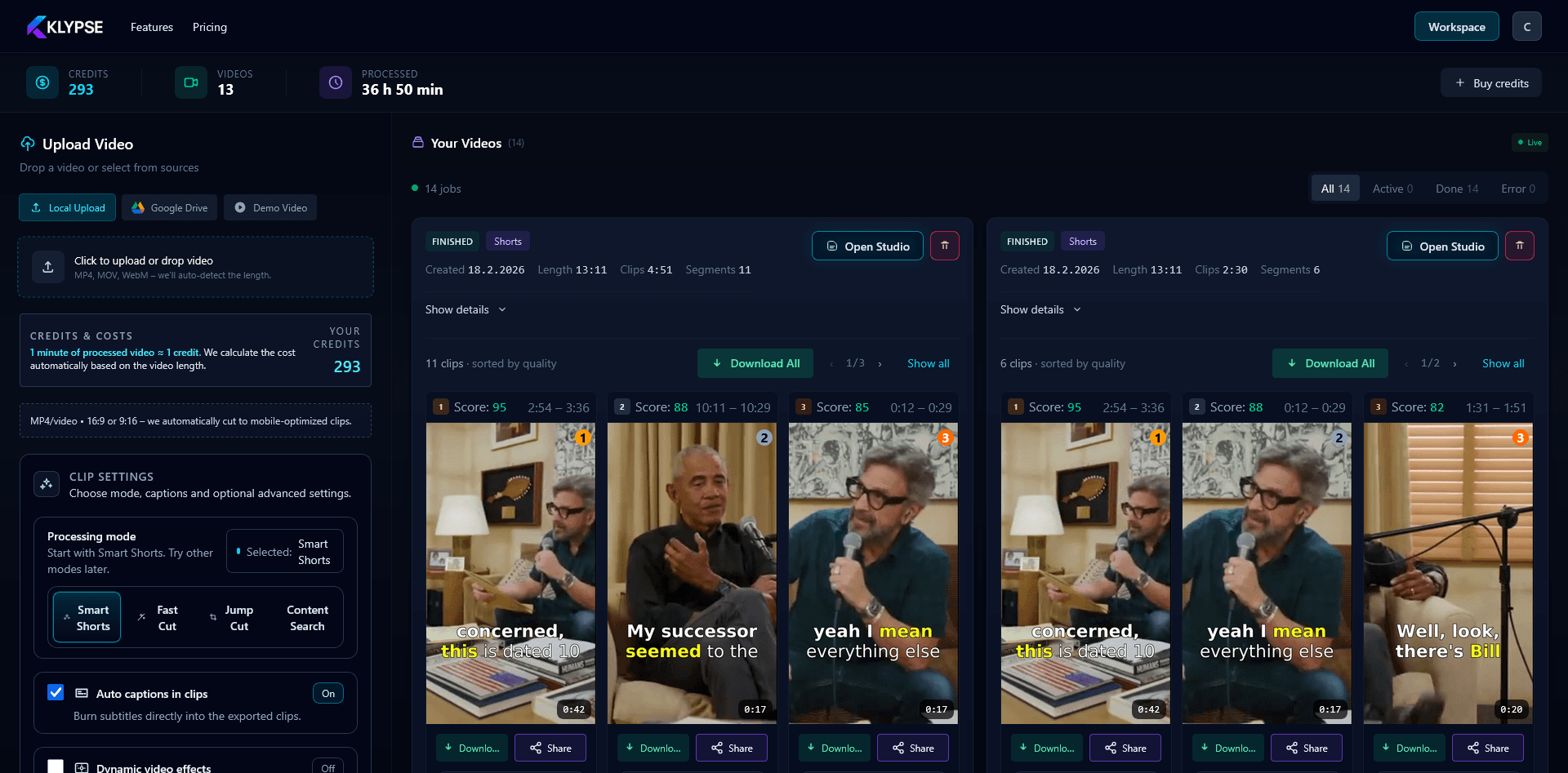
Pull 5-15 short clips (15-60 seconds) from your pillar. These become your TikTok, Reels, and Shorts content for the week.
Generate Written Content
Use your transcript to create blog posts, Twitter threads, LinkedIn articles, and email newsletters.
Create Visual Assets
Turn key quotes into graphics for Instagram, Pinterest, and LinkedIn. These are easy to batch and schedule.
Schedule and Distribute
Space your content across the week. Each platform gets fresh content daily, but you only created once.
One long video becomes multiple clips for different platforms
Example: The One-Video Week
Here's what a week can look like from a single 30-minute pillar video:
| Day | Platform | Content |
|---|---|---|
| Monday | YouTube | Full pillar video published |
| Monday | TikTok | Clip #1 (hook from video) |
| Tuesday | Instagram Reels | Clip #2 |
| Tuesday | Twitter/X | Thread summarizing key points |
| Wednesday | YouTube Shorts | Clip #3 |
| Wednesday | Professional angle post | |
| Thursday | TikTok | Clip #4 |
| Thursday | Newsletter featuring video insights | |
| Friday | Instagram Reels | Clip #5 |
| Friday | Blog | Article adapted from transcript |
| Saturday | YouTube Shorts | Clip #6 |
| Sunday | TikTok | Clip #7 |
That's 12+ pieces of content from one recording session. The pillar took effort; the repurposing is systematic extraction.
Strategies by Creator Type
For Coaches & Consultants
Your expertise is your content. Record client Q&A sessions (with permission), workshop recordings, or "office hours" calls. These naturally produce insight-rich pillar content that can be clipped into educational short-form.
For Personal Brands
Go deep on your authentic experiences and opinions. Your hot takes, failures, and lessons learned make compelling clips. The personality-driven content that works on TikTok often comes from unfiltered moments in longer conversations.
For Agencies & Teams
Systemize the process. Create SOPs for repurposing, assign roles (clip finder, editor, scheduler), and batch work. An agency should be able to repurpose one client video into a week of content within hours of publishing.
For Educators & Course Creators
Your course content is evergreen pillar material. Extract tips, quick wins, and "aha" moments as clips that drive traffic back to your full courses. Each clip is a trailer for the deeper content.
Tools to Power Your Repurposing Workflow
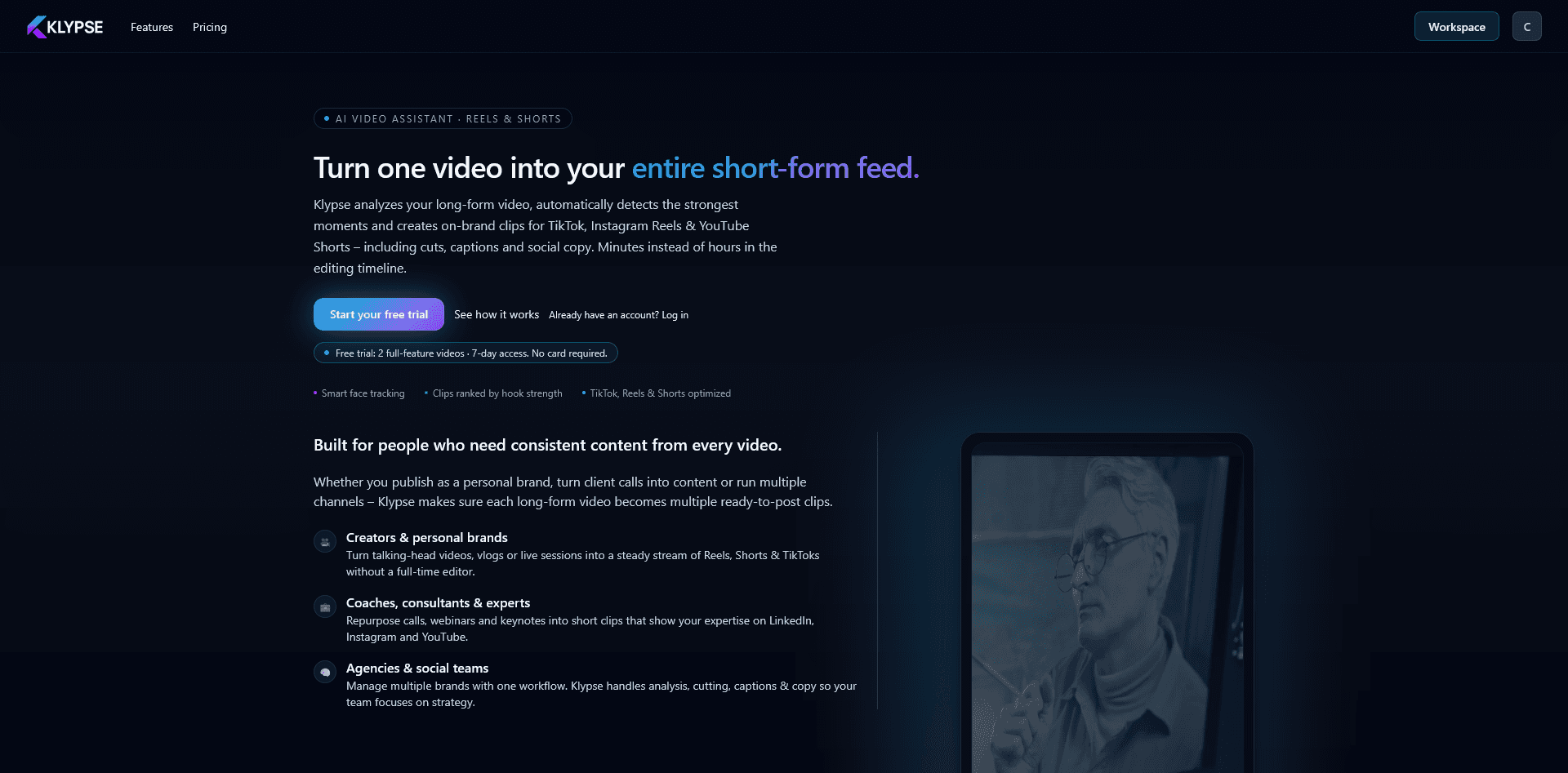
- KlypseAutomates the clip extraction process. Upload your pillar video, get multiple short-form clips with captions, face tracking, and viral potential scores. The hardest part of repurposing made easy.
- Buffer / LaterSchedule your repurposed content across platforms. Batch your scheduling work so distribution runs on autopilot.
- Notion / AirtableTrack your content calendar and repurposing pipeline. See what's been extracted from each pillar and what's scheduled where.
- CanvaQuickly turn quotes into branded graphics. Templates make this fast enough to batch.
Avoiding Content Burnout
Repurposing is a tool, not a mandate. Here's how to use it sustainably:
- •Batch your creation. Record 2-4 pillars in one day per month. Then spend the rest of the month repurposing and distributing.
- •Not everything needs to be repurposed. Pick your best-performing or most evergreen content for the full repurposing treatment.
- •Automate what you can. AI tools like Klypse remove manual tedium from the process. Use them.
- •Quality over quantity. 3 great clips beat 10 mediocre ones. Don't force weak content just to hit a posting frequency.
Build Your Repurposing System
Content repurposing isn't optional anymore – it's how successful creators operate. The ones who dominate aren't necessarily creating more. They're extracting more value from what they create.
Start simple: one pillar per week, 5-7 clips extracted, distributed across your key platforms. Tools that turn videos into shorts automatically make this even easier. As your system matures, you can expand. But consistency with a simple system beats complexity you can't maintain.
Automate Your Repurposing Workflow
Klypse extracts clips from your pillar content automatically. AI finds the best moments, adds captions, and delivers ready-to-post clips.