
How to Turn a Webinar Into Social Clips
A webinar is one of the most expensive pieces of content a marketing team produces — and one of the most under-used. It gets promoted for two weeks, aired once, and buried in a gated replay. This is how to squeeze a month of short-form content out of a single session.
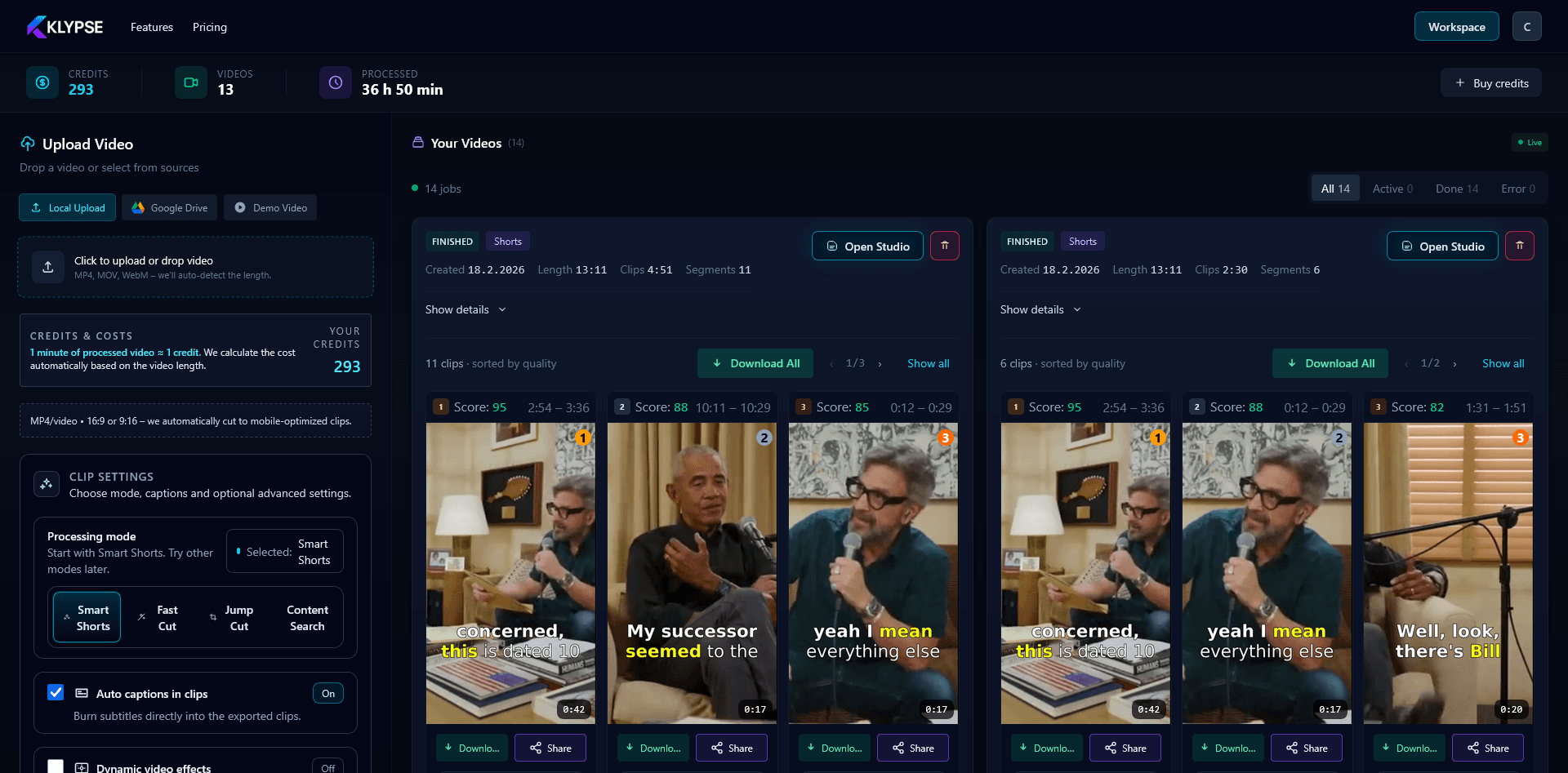
The math is simple. A 45-minute webinar contains roughly 8–12 self-contained ideas: a definition, a framework, a statistic, a story, an objection handled. Each of those is a clip. Instead of one asset, you have a dozen — plus the transcript for a blog post and the audio for a podcast feed.
Why webinars are perfect for repurposing
- The content is already validated — you scripted and rehearsed it, so the ideas are tight.
- There is a clear speaker on camera — ideal for face-tracked vertical clips.
- It answers real questions — webinar Q&A sections are the highest-converting clips because they match search intent.
Step 1: Pick the right source file
Export the speaker-camera recording, not just the slides. If your webinar was slides-only, that still works for educational clips — but face-driven clips outperform on TikTok and Reels. Upload the file to Klypse.
Step 2: Let AI rank the moments
Klypse transcribes the session and scores each moment for hook strength. The clips that open with a question, a bold claim, or a number tend to score highest — because those are the openings that stop a scroll. You review a ranked list instead of scrubbing 45 minutes.
Step 3: Reframe, caption, and brand
Each clip is reframed to 9:16 with the speaker tracked, captioned for mute viewing, and — if you add your brand colors — captioned on-brand. For agencies running this across many clients, see the agency workflow.
Step 4: Build a posting calendar
Ten clips is two weeks of daily posting or a month at three posts a week. Lead with the Q&A clips — they answer the exact questions your audience is Googling, which is why they also work as LinkedIn interview clips. Link the full webinar replay in your bio to convert viewers into leads.
The strategic point: you already paid the expensive part — producing the webinar. Repurposing is the cheapest reach you will ever buy, and with automation it costs minutes, not another production cycle. That is the core idea behind content repurposing.
Frequently Asked Questions
How many clips can I get from one webinar?
A typical 45-minute webinar yields 8–12 strong clips — usually one per distinct idea, story, statistic, or Q&A answer. Klypse surfaces the best ones ranked by hook strength.
Which webinar clips convert best?
Q&A clips tend to convert best because they answer specific questions your audience is already searching for. Lead with those and link your full replay in the bio.
Can an agency do this for multiple clients?
Yes — the workflow is the same per client, and Klypse's branding controls let you keep each client's captions and colors on-brand. See the agency use case for details.
Turn your long videos into viral shorts
Klypse finds the best moments, tracks faces, and captions every clip automatically. Start free — no credit card required.
Related reading
More from the blog
How to Add Captions to a Podcast Video
Captions are what make podcast clips watchable on mute. Here's how to add accurate, well-placed captions to podcast video clips automatically.
How to Resize a Landscape Video for TikTok, Reels & Shorts
Resizing a 16:9 video to 9:16 the wrong way cuts people out of frame. Here's how to convert landscape video to vertical without losing the subject.
Short-Form Video for Real Estate Agents
Real estate is a face-to-face business, and short-form video is the cheapest way to be in front of more faces. Here's how agents can produce clips at scale.