
How to Make TikToks from YouTube Videos
Your YouTube library is full of TikTok potential. Here's how to repurpose your content for TikTok's massive audience.
Why YouTube Creators Need TikTok
1B+
TikTok monthly users
New
Audience you're missing
Free
Content from existing videos
YouTube vs TikTok: Key Differences
| Aspect | YouTube | TikTok |
|---|---|---|
| Format | 16:9 Horizontal | 9:16 Vertical |
| Length | 8-20 minutes typical | 15-60 seconds optimal |
| Pacing | Gradual build-up OK | Hook in first second |
| Intros | Channel branding OK | Skip intros entirely |
| Captions | Optional | Essential |
Step-by-Step Process
Download Original Video
Get your source file from YouTube Studio (not the published video). This avoids watermarks and compression.
Find the Best Moments
Look for: bold statements, surprising facts, emotional peaks, "wait what?" moments, and actionable tips.
Cut to 15-60 Seconds
TikTok rewards short, punchy content. Start with the hook – no intro, no "hey guys."
Convert to Vertical
Crop to 9:16. Keep face centered. Use face tracking to follow movement.
Add Bold Captions
TikTok is watched on mute. Large, animated captions are essential.
Automate the Process
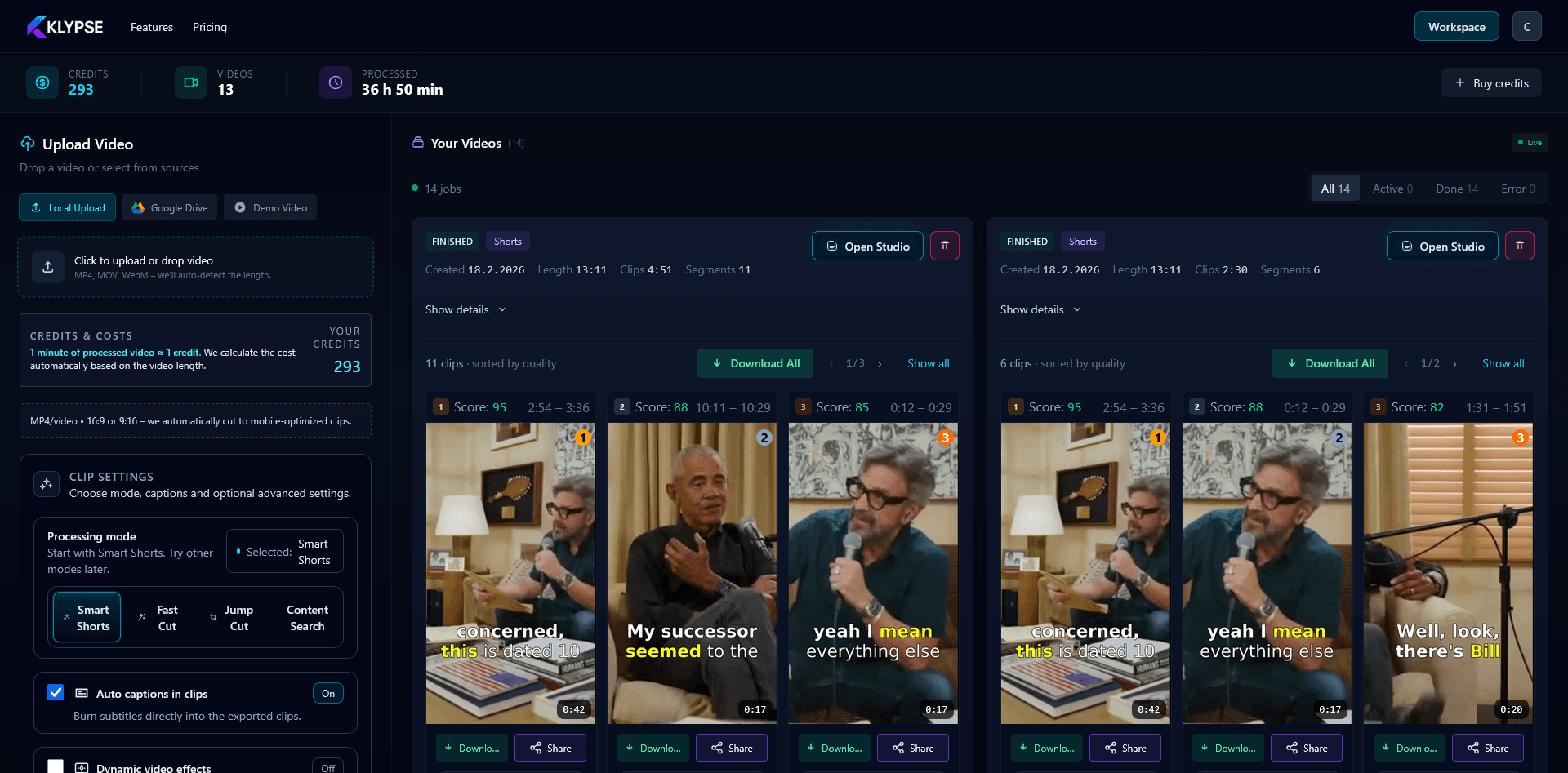
Klypse automates YouTube to TikTok conversion:
- ✓ AI finds the best clip-worthy moments
- ✓ Automatic 9:16 conversion with face tracking
- ✓ TikTok-style captions added automatically
- ✓ Multiple clips from one video
TikTok Posting Tips
Post Daily
TikTok rewards volume. 1-3 posts per day is ideal for growth.
Use Trending Sounds
Add popular sounds to boost discoverability, even if your clip has talking.
Engage Comments
Reply to comments quickly. Engagement signals boost reach.
Link to YouTube
Add YouTube link in bio. Mention full videos in comments.