
Smart Video Cropping – Never Lose the Action
Crop videos intelligently with AI. Klypse analyzes your content, tracks faces and subjects, and adjusts the crop dynamically so nothing important gets cut off.
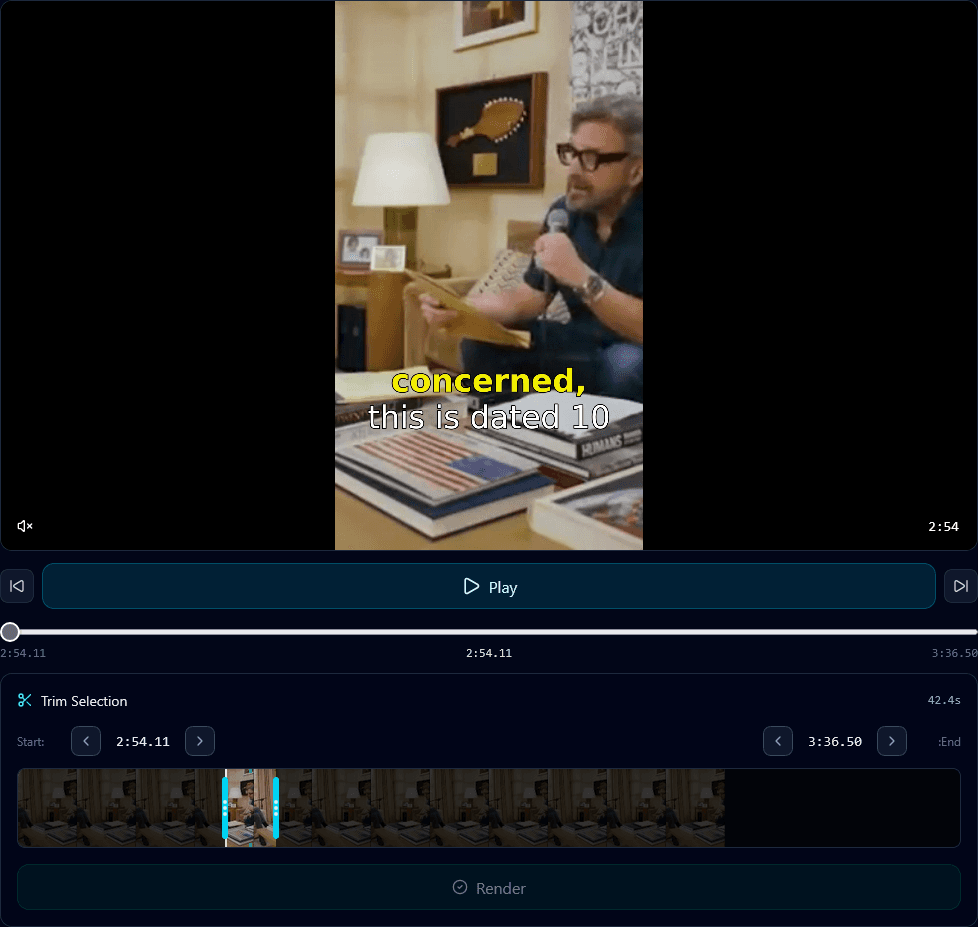
Supported Aspect Ratios
16:9
Landscape
9:16
Vertical
1:1
Square
4:5
21:9
Cinematic
How Smart Cropping Works
Upload Your Video
Drop any video in any aspect ratio you want to convert.
AI Analyzes Content
Klypse detects faces, tracks movement, and maps important areas.
Smart Crop Applied
Dynamic cropping keeps subjects centered as the video plays.
Smart Cropping Benefits
🎯Subject-Aware
AI understands what's important in your frame and keeps it visible.
👤Face Tracking
Automatically tracks and follows faces throughout the video.
🔄Any to Any
Convert between any aspect ratio without losing key content.
🎬Smooth Movement
Crop adjustments are smooth and cinematic, not jarring.
Smart Cropping Features
Multi-Face Detection
Tracks all visible faces in frame
Motion Following
Follows moving subjects smoothly
Safe Zone Awareness
Respects platform-specific safe zones
Manual Override
Adjust any crop point manually
Batch Processing
Apply smart crop to multiple videos
Preview Before Export
See results before finalizing
Smart Cropping FAQ
What is smart video cropping?
Smart video cropping uses AI to intelligently crop your video while keeping the important subjects in frame. Unlike static cropping, it analyzes content and adjusts the crop area dynamically.
How is it different from regular cropping?
Regular cropping uses a fixed position and often cuts off subjects' faces or important action. Smart cropping tracks faces and follows movement, ensuring nothing important is lost.
What aspect ratios are supported?
Klypse supports all common aspect ratios: 16:9 (landscape), 9:16 (vertical/portrait), 1:1 (square), 4:5 (Instagram), and custom ratios. Convert between any format.
Does it work with moving subjects?
Yes. Smart cropping tracks subjects as they move throughout the video. Whether someone walks across frame or leans into shot, the crop area follows smoothly.
Can I adjust the smart crop manually?
Absolutely. While smart cropping is automatic, you have full control to adjust crop positions in the editor if the AI doesn't capture exactly what you want.
Related Tools
Crop Videos Intelligently
Let AI handle the cropping. Subjects stay centered, nothing gets cut off.