
The Best Submagic Alternative
Submagic built its name on stylized captions. But most creators need more than captions — they need the whole pipeline: finding the clip, reframing it, *and* captioning it. Here's how to evaluate a Submagic alternative that does all three.
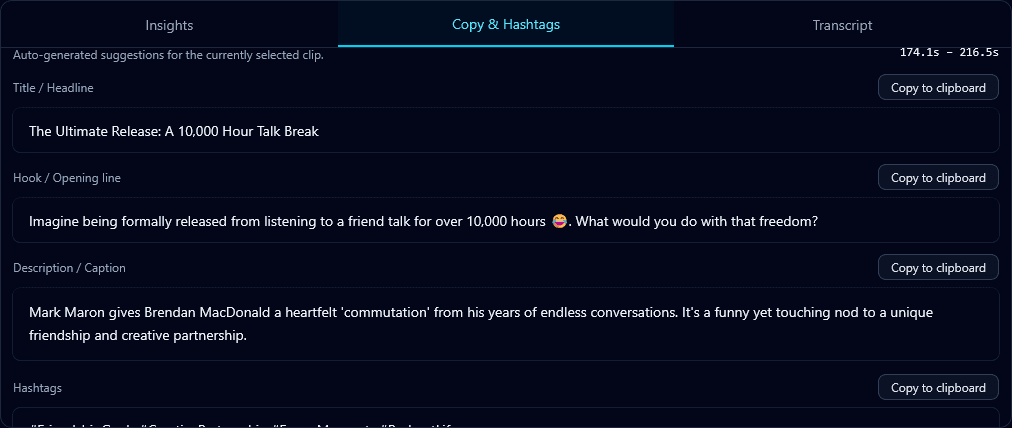
If captions are your *only* need, a caption-focused tool may be enough. But if you're starting from a long video, captioning is the last step — you first have to find the moment and reframe it to vertical. The question is whether you want one tool for the whole job or three tools stitched together.
Captions are one step, not the whole job
A complete short-form workflow is: find the best moments → reframe to 9:16 → caption. Submagic is strong on the last step. A tool like Klypse handles all three: hook-scored moment selection, subject-tracking reframe, and accurate captions in one pass.
What to compare on captions themselves
- Accuracy — captions from a real transcript, editable before export.
- Placement — inside the safe zone, clear of platform UI and the speaker's face.
- Sync — word-timed to the audio, not drifting.
- Style — readable and high-contrast, with active-word highlighting for pace.
Where Klypse fits
Klypse gives you accurate, safe-zone captions *plus* the clip-finding and reframing around them — so one upload of a long video returns finished, captioned vertical clips. No exporting to a separate captioning tool and re-importing.
How to decide
Ask what you're starting from. Already have a perfectly-cut vertical clip and just need captions? A caption specialist works. Starting from a long horizontal video? You want an end-to-end tool. Test both on your real source and see which gets you to a postable clip faster.
The best Submagic alternative for most creators is a tool that captions *and* handles the steps before it — turning raw long-form into ready-to-post clips in one place.
Frequently Asked Questions
What's a good alternative to Submagic?
If you need more than captions — clip selection and reframing too — an end-to-end tool like Klypse handles finding the moment, reframing to vertical, and captioning in one pass, instead of using separate tools.
Does Klypse do animated-style captions?
Klypse generates accurate, safe-zone-placed captions synced to the audio with active-word highlighting, as part of the full clip pipeline — moment selection and reframing included.
Should I use a caption-only tool or an all-in-one?
If you already have a cut vertical clip and only need captions, a caption specialist works. If you're starting from a long horizontal video, an end-to-end tool gets you to a postable clip faster.
Turn your long videos into viral shorts
Klypse finds the best moments, tracks faces, and captions every clip automatically. Start free — no credit card required.
Related reading
More from the blog
The Best Riverside Alternative for Podcast Clips
Riverside is a recording studio with clipping bolted on. If clips are your priority, here's what a clip-first Riverside alternative should do — and how Klypse compares.
How Long Should a Short Be? (TikTok, Reels & Shorts)
The ideal length for TikToks, Reels, and YouTube Shorts isn't one number. Here's how to think about clip length for retention and reach on each platform.
What Is a Jump Cut (and When to Use One)?
A jump cut removes pauses and filler to keep a talking-head video tight. Here's what jump cuts are, why they dominate short-form, and how to make them automatically.