
The Best AI Clipping Tool for YouTubers
If you already publish long-form YouTube videos, you're sitting on the ideal Shorts pipeline — you just need to unlock it. Here's how to evaluate a clipping tool for the YouTube-to-Shorts workflow, and where the real differences are.
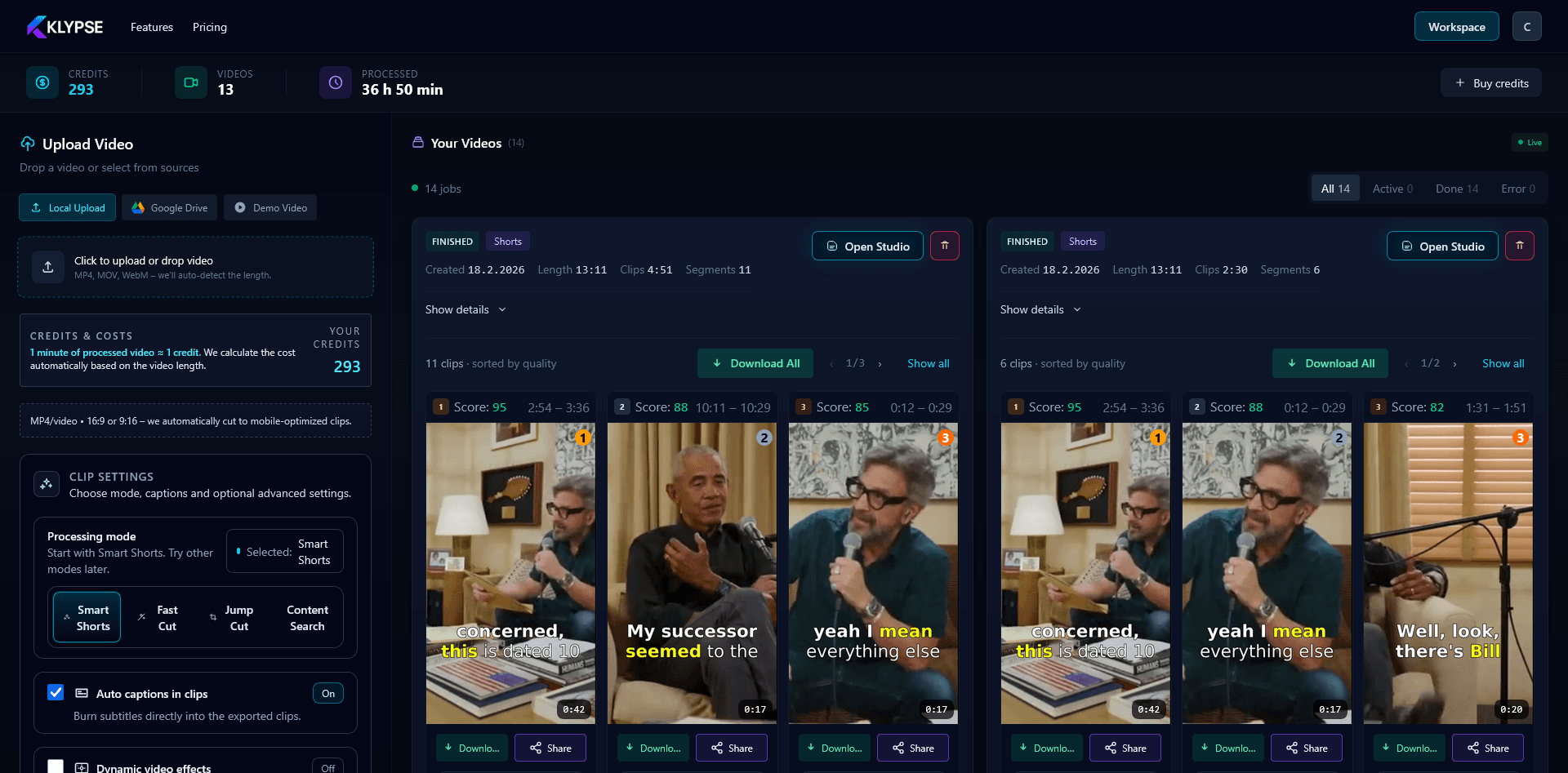
Shorts are how new viewers find your channel; long-form is how they stay. The bridge is repurposing — and for YouTubers, the source material is already done. The only question is which tool turns a 20-minute video into good Shorts with the least effort.
1. Direct YouTube handling
The smoothest tools let you work from a YouTube URL directly, so you're not re-exporting and re-uploading masters. Look for a workflow that takes the video and returns clips, like YouTube to Shorts.
2. Genuinely good moment selection
A 20-minute video has maybe six Short-worthy moments. A tool that surfaces them by hook strength saves you the scrub. Random 60-second slices won't perform — the opening line has to earn the watch.
3. Framing that survives fast cuts
YouTube content moves — B-roll, gestures, walking shots. Vertical reframing with subject tracking keeps you centered through all of it, where a static crop would lose you. This is the difference maker for dynamic channels.
4. Captions that match your energy
Shorts audiences expect captions — bold, synced, on mute. Accuracy and safe-zone placement are table stakes; word-by-word highlighting adds pace that suits high-energy content.
5. Volume without burnout
The channels that grow with Shorts post them consistently. A tool that turns one upload into 10+ clips makes daily Shorts a byproduct of your normal upload schedule, not a second job. That's the repurposing leverage that actually moves subscriber numbers.
For YouTubers, the best clipping tool is the one that fits the pipeline you already have: long video in, ranked vertical clips out, captions and framing handled. See the YouTuber workflow or the full YouTube to TikTok guide.
Frequently Asked Questions
What's the best way for YouTubers to make Shorts?
Repurpose your existing long-form videos. Use a tool that surfaces the strongest moments by hook strength, reframes them to vertical with subject tracking, and captions them — turning one upload into 10+ Shorts.
Can I make Shorts directly from a YouTube video?
Yes. Klypse's YouTube-to-Shorts workflow takes your video and returns ranked vertical clips with captions, so you don't have to manually scrub and re-export.
How many Shorts can one long video produce?
A typical 15–20 minute video yields around 6–10 strong clips. Klypse ranks them by hook strength so you post the best first.
Turn your long videos into viral shorts
Klypse finds the best moments, tracks faces, and captions every clip automatically. Start free — no credit card required.
Related reading
More from the blog
What Is a Video Hook (and How to Write One)
A hook is the first few seconds that decide whether someone keeps watching. Here's what a video hook is, why it matters, and how to write hooks that stop the scroll.
Aspect Ratios for Social Video Explained (9:16, 1:1, 16:9)
9:16, 1:1, 16:9 — which aspect ratio for which platform, and how to convert between them without ruining the shot. A plain-English guide.
What Is Face Tracking in Video Editing?
Face tracking keeps a subject framed as they move and as you crop to vertical. Here's what it is, how it works, and why it matters for short-form clips.